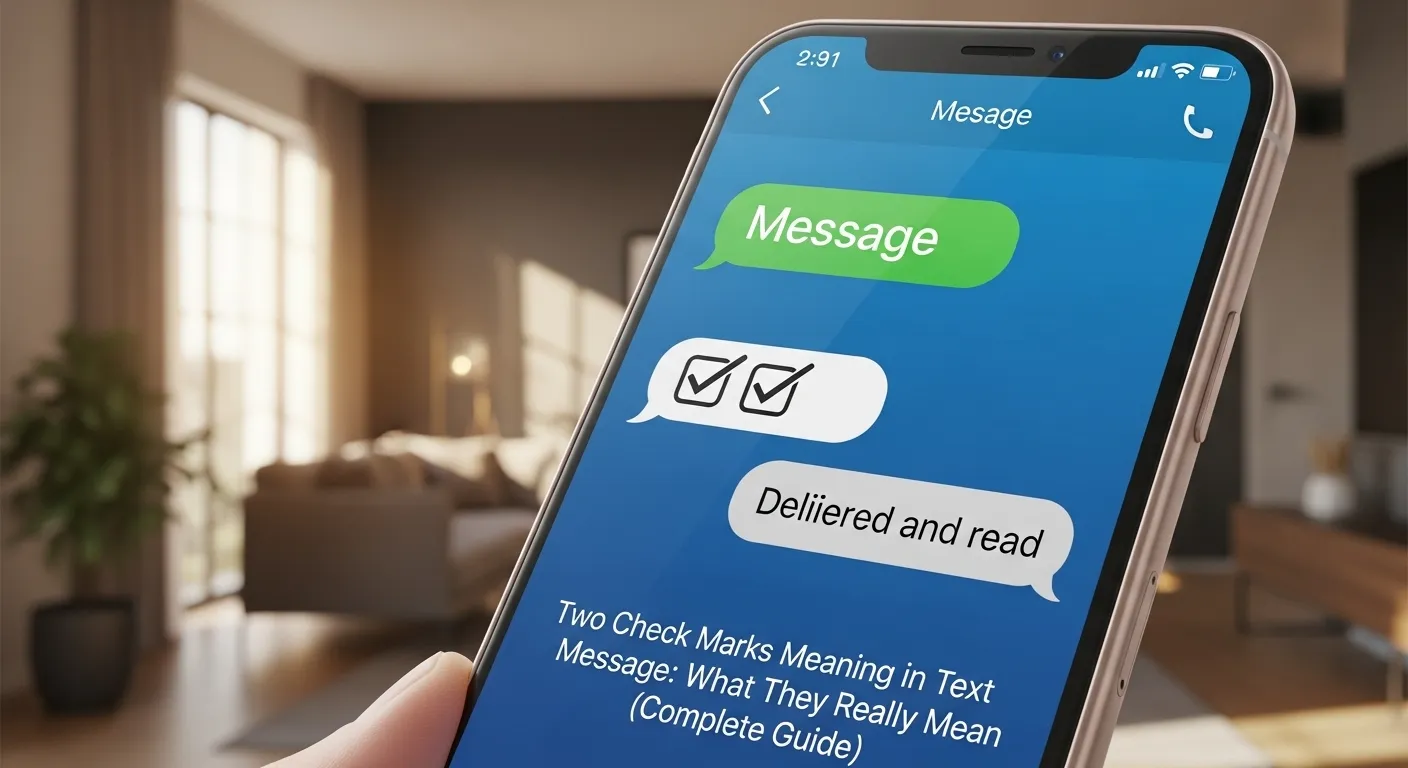
In today’s world of instant messaging, tiny symbols can carry a lot of meaning. One of the most common symbols people notice is the two check marks meaning in text message. Whether you’re chatting with friends, family, or coworkers, those little check marks can tell you important information about your message.
Many people wonder: Did the person read my message? Did it get delivered? Are they ignoring me? 🤔
Understanding the two check marks meaning in text message can help remove confusion and make messaging less stressful.
In this detailed guide, we’ll explain:
- What two check marks mean in text messages
- How they work in popular messaging apps
- The difference between one check mark, two check marks, and blue check marks
- Common misunderstandings
- Real-life examples
- Helpful tips and FAQs
By the end of this article, you’ll fully understand what those little check marks actually mean and how to interpret them correctly.
What Do Two Check Marks Mean in Text Messages?
The two check marks meaning in text message generally indicates that your message has been successfully delivered to the recipient’s device.
This symbol is commonly used in messaging apps like WhatsApp, where message status is shown through check mark indicators.
Basic Message Status Symbols
Here’s a quick overview of what the check marks usually mean:
| Symbol | Meaning |
|---|---|
| ✓ | Message sent from your device |
| ✓✓ | Message delivered to recipient |
| ✓✓ (blue) | Message read by recipient |
So when you see two gray check marks, it means:
✔ Your message reached the other person’s phone
✔ The message was delivered to their chat app
❌ It does NOT necessarily mean they have read it
This distinction is very important because many people assume two check marks mean the message was read.
How Message Check Marks Work in Popular Apps
Different messaging apps use slightly different systems to show message status.
Let’s explore how some popular platforms handle this feature.
WhatsApp Message Check Marks Explained
WhatsApp is the app most famous for using check mark symbols.
WhatsApp Message Status Indicators
1️⃣ Single Gray Check Mark
- Message sent successfully
- Not yet delivered to the recipient
2️⃣ Double Gray Check Marks
- Message delivered to the recipient’s phone
- They may or may not have opened it
3️⃣ Double Blue Check Marks
- Message has been read
Example
Imagine you send a message:
“Hey, are we meeting today?”
The message status could change like this:
- ✓ Sent
- ✓✓ Delivered
- ✓✓ (blue) Read
Messenger Message Indicators
Another popular messaging platform is Facebook Messenger.
Messenger uses a slightly different symbol system.
| Icon | Meaning |
|---|---|
| Open circle | Sending |
| Filled circle with check | Sent |
| Filled circle | Delivered |
| Profile picture icon | Read |
Unlike WhatsApp, Messenger doesn’t use double check marks, but the concept of delivery vs read receipts still applies.
iMessage Message Status
Apple users chatting through iMessage will see a different style of message confirmation.
Instead of check marks, Apple uses text indicators like:
- Delivered
- Read
Example:
or
This means the person has opened the message at that specific time.
Why Two Check Marks Don’t Always Mean Someone Read Your Message
One of the biggest misunderstandings about the two check marks meaning in text message is assuming the other person saw the message.
But there are many situations where a message is delivered but not read.
Common Reasons
✔ The recipient hasn’t opened the app yet
✔ Their phone is on silent
✔ They’re busy or asleep
✔ They saw the message in notifications but didn’t open it
✔ Read receipts are turned off
In apps like WhatsApp, users can disable read receipts, meaning blue check marks may never appear even if the message was read.
Difference Between One Check Mark and Two Check Marks
Understanding the difference between one and two check marks is essential.
Message Status Comparison
| Check Mark Status | What It Means |
|---|---|
| One check mark | Message sent but not delivered |
| Two check marks | Message delivered |
| Two blue check marks | Message read |
Simple Example
You send a message to your friend:
“Are you coming to the party?”
Scenario 1:
✓ — Sent but their phone is off.
Scenario 2:
✓✓ — Their phone received the message.
Scenario 3:
✓✓ (blue) — They opened and read it.
Real-Life Situations Where You’ll See Two Check Marks
Let’s look at some everyday examples.
Example 1: The Busy Friend
You send:
“Hey, call me when you’re free.”
You see ✓✓ but no reply.
Possible reason:
- They received the message but haven’t opened the chat yet.
Example 2: Phone on Silent
You send a message while your friend is in a meeting.
- Message shows ✓✓
- They read it later.
Example 3: Notifications Preview
Some phones show message previews on the lock screen.
The recipient might:
- Read the message in notifications
- Never open the chat
Result:
- You still only see ✓✓.
What If You Only See One Check Mark?
If you only see one check mark, it usually means the message hasn’t reached the recipient yet.
Possible reasons include:
1. No Internet Connection
The recipient’s phone might be offline.
2. Phone Turned Off
Their device could be powered off.
3. App Not Installed
They may have deleted the messaging app.
4. You Might Be Blocked
In some apps, messages remain on one check mark if you are blocked.
However, one check mark alone does NOT confirm blocking.
Can Someone Read Your Message Without Showing Blue Check Marks?
Yes, this happens often.
Users of WhatsApp can disable read receipts.
When Read Receipts Are Off
You will only see:
✓✓ (gray)
Even if they read the message.
Important Note
If read receipts are disabled:
- You also cannot see when others read your messages.
It works both ways.
Psychological Impact of Check Marks in Messaging
Interestingly, message status symbols can affect how people feel.
Many people experience:
- Anxiety waiting for replies
- Overthinking message statuses
- Assuming someone is ignoring them
This phenomenon is sometimes called “read receipt anxiety.”
Common Thoughts
- Why haven’t they replied yet?
- Did I say something wrong?
- Are they ignoring me?
But in reality, the person might simply be busy.
Tips for Interpreting Two Check Marks Correctly
Here are some healthy ways to interpret messaging symbols.
1. Don’t Assume the Worst
Delivery doesn’t mean they’ve read it.
2. Give People Time
Not everyone replies immediately.
3. Avoid Overanalyzing
Messaging apps can’t show the full story.
4. Send a Follow-Up If Needed
If something is urgent, politely follow up.
Example:
“Hey, just checking if you saw my message.”
Other Symbols Related to Message Status
Different messaging platforms use various icons.
Common Message Indicators
- Check marks
- Circles
- Profile icons
- “Delivered” text labels
- “Seen” timestamps
These all serve the same purpose: showing the progress of your message.
Table: Message Status Across Popular Apps
| App | Delivered Indicator | Read Indicator |
|---|---|---|
| ✓✓ | ✓✓ (blue) | |
| Messenger | Filled circle | Profile icon |
| iMessage | Delivered | Read |
| Telegram | ✓✓ | ✓✓ (colored) |
Even though the symbols differ, the idea remains the same: tracking message delivery and reading status.
Common Misconceptions About Two Check Marks
Let’s clear up some myths.
Myth 1: Two Check Marks Mean They Read Your Message
❌ False
It only means the message was delivered.
Myth 2: Two Check Marks Mean They Are Ignoring You
❌ Not necessarily
They might simply be busy.
Myth 3: One Check Mark Means You Are Blocked
❌ Not always
It could just be a network issue.
FAQ: Two Check Marks Meaning Text Message
1. Do two check marks mean someone read my message?
No. Two check marks usually mean the message was delivered, not necessarily read.
2. Why do my messages stay on two gray check marks?
Possible reasons include:
- The recipient hasn’t opened the chat
- Read receipts are disabled
- They read it from notifications
3. Can someone read my message without turning check marks blue?
Yes. If read receipts are turned off, messages will stay gray even if they are read.
4. Why do I only see one check mark?
This usually means the message has not been delivered yet.
Possible causes include poor internet connection or the recipient’s phone being off.
5. Do all messaging apps use two check marks?
No. Some apps use different systems.
For example:
- Messenger uses circles
- iMessage uses text labels
6. Can two check marks disappear?
No. Once a message is delivered, the two check marks remain permanently.
7. How long does it take for two check marks to appear?
Usually within seconds if the recipient has internet access.
But it may take longer if their phone is offline.
Final Thoughts
The two check marks meaning in text message is actually very simple once you understand how messaging apps work.
In most apps—especially WhatsApp—two check marks mean your message has been delivered to the recipient’s device.
However, it does not guarantee the message has been read.
Key Takeaways
✔ One check mark = message sent
✔ Two check marks = message delivered
✔ Two blue check marks = message read
Instead of stressing about message symbols, it’s better to focus on clear communication and patience.
Remember:
Everyone uses messaging apps differently, and response times vary. A delay in replying rarely means something negative.
Understanding these symbols will help you use messaging apps more confidently and avoid unnecessary confusion. 😊